


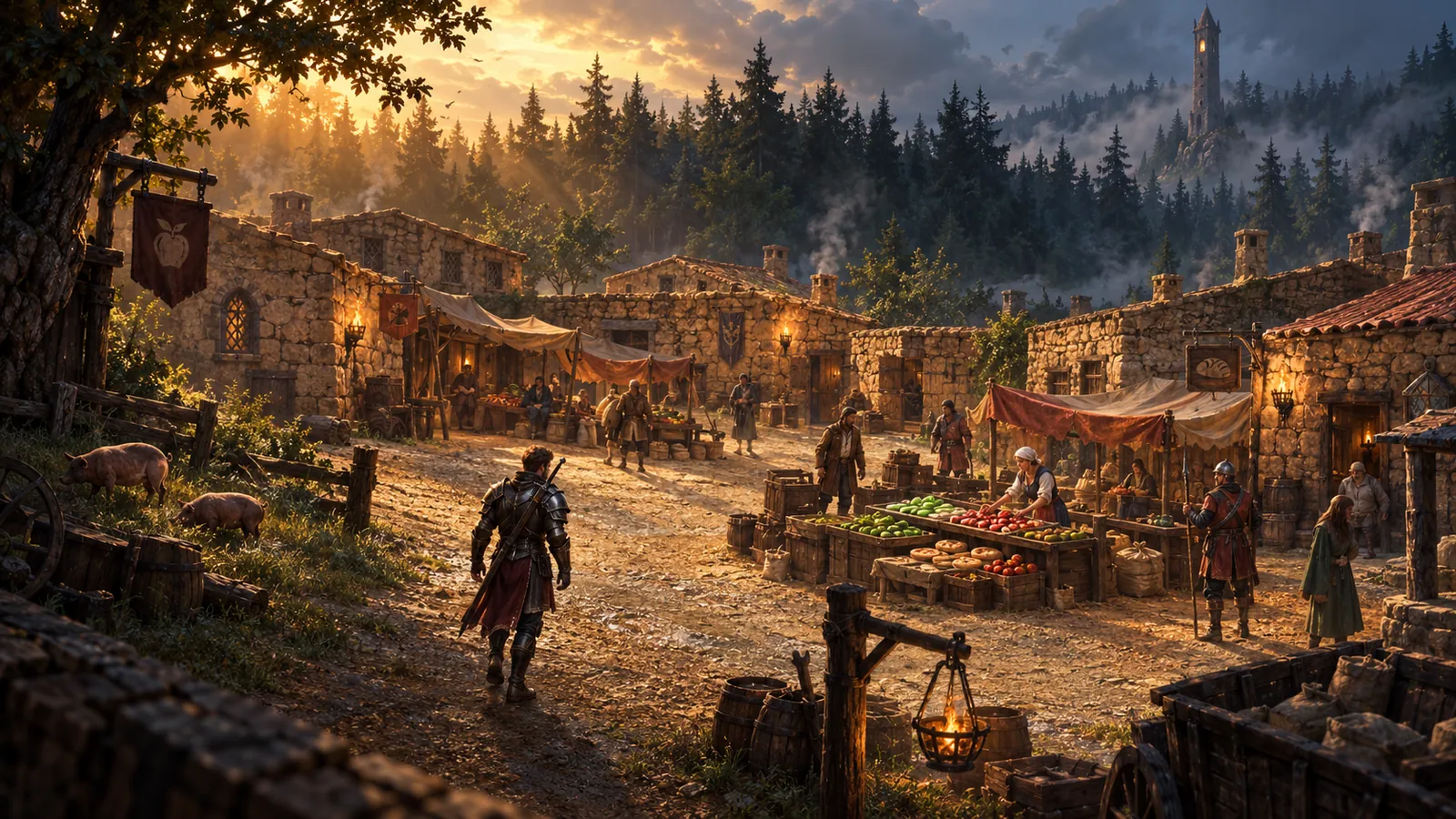
The very essentials
- To walk, left-click on the ground where you wish to go.
- To take any of the items, left-click on them.
- You can use any item by left-clicking on it.
- To talk with those you see on your screen, just type what you want to say and press RETURN.
With one account you can create several characters.
Your first quest
Your story starts in Cameron. Your first task is to help Lydia, the daughter of Gwendylon the mage.
I went to a party in the village last night and now I got a horrible headache. I had a potion with me which should help cure the hangover. But on my way back, I got ambushed. Some thieves stole the potion.
Lydia
Chat channels
Besides talking to those near you, you can join chat channels. Type /channels for the list, /join <nr> to join one and /leave <nr> to leave it.
| Nr | Channel | For |
|---|---|---|
| 1 | Info | Requesting staff help, technical and gameplay questions |
| 2 | Gossip | Talk about life, the universe and everything |
| 3 | Auction | Buy and sell stuff |
| 5 | Clan | Public channel for clan related matters |
| 6 | Grats | Grats on levelling! |
| 7 | Clan2 | Only visible to members of your clan |
| 8 | Area | Only visible to those in your area |
| 9 | Mirror | Only visible to those in your area and mirror |
| 10 | Games | Discussions of computer games |
| 11 | Kill | Player killer related topics |
| 12 | ClanA | Only visible to clan members and allies |
| 13 | Club | Only visible to your club members |
Useful commands
Type /help in the game for the full list. The ones you will use most:
| Command | What it does |
|---|---|
/say <text>, /shout <text>, /holler <text> | Speak to those near you, further away, or much further away |
/whisper <text> | Speak only within close range |
/tell <name> <text> | Send a private message to another player |
/emote <text> | Express yourself (also /me, /wave, /bow) |
/ignore <name> | Ignore a player in chat and tells |
/notells | Do not receive any tells (switch on or off) |
/time | Show the current time and date in Astonia |
/description | Change the description others see when they look at you |
/lastseen <player> | When a player last entered the game |
/allow <name> | Allow another player to search your grave |
/sort, /depotsort | Sort your inventory or your depot |
/clan, /relation <nr> | Information about the clans and their relations |
/complain <player> [reason] | Complain about abuse by another player |